Lidt grafer der udfordrer det at vegansk mad kan gøre den store forskel… der er meget der bliver processeret mere… så oksekød stikker af i forhold til alt andet… men hvad hvis du køber lokalt kontra noget du får leveret fra den anden side er jorden?
Det kan du også regne lidt på her: Beregn din CO2-udledning (au.dk). Den viser blandt andet at hvis du rejser længere end Frankfurt så skal du tage flyet fremfor din benzin eller diesel bil 😉
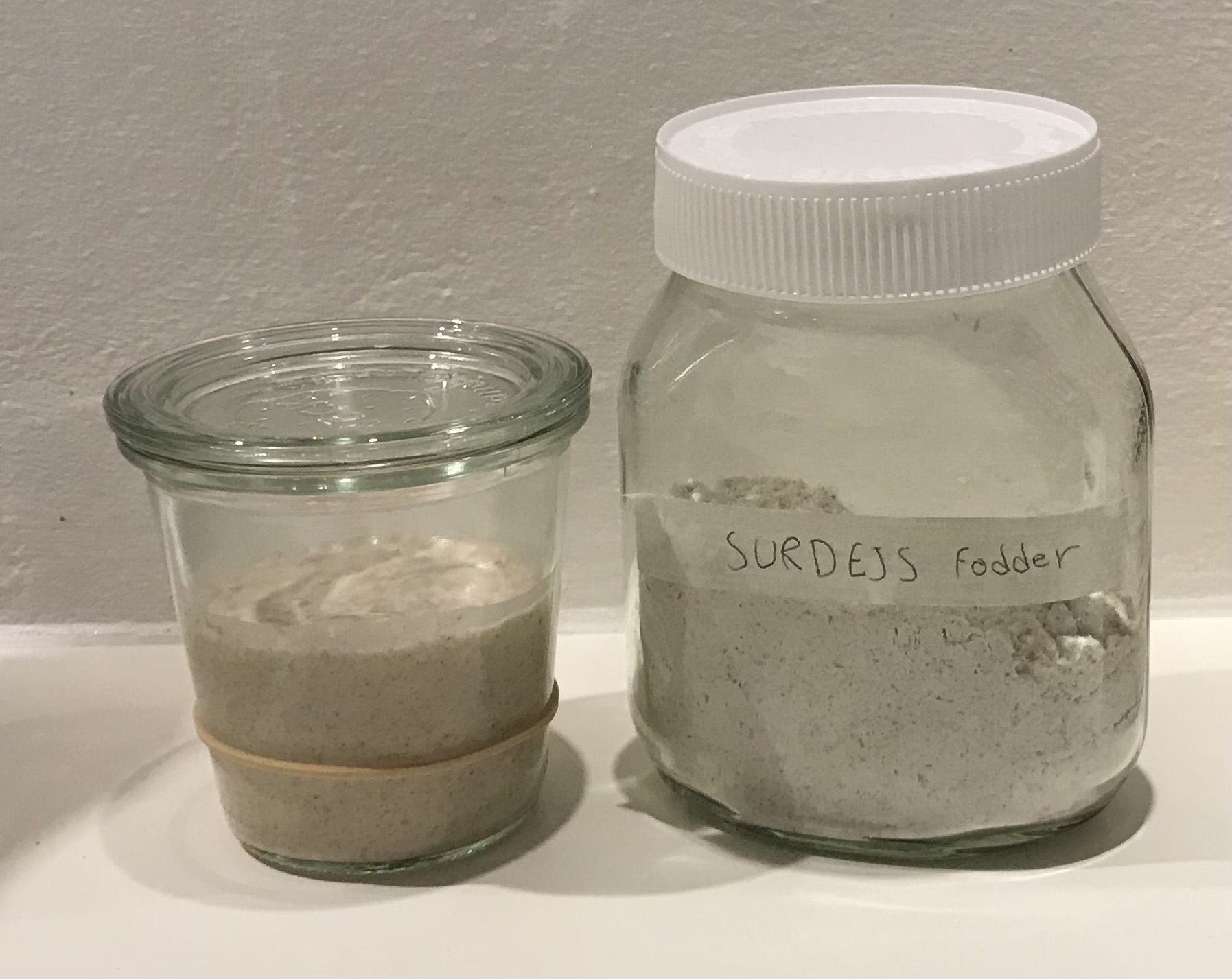
Hver aften laver du en ny surdej ved at fodre en lille del af den gamle.
Tag et rent glas frem og stil på en vægt, som du nulstiller
Put 10 gram moder surdej ned i glasset
Tilføj 60 gram stuetempereret vand
Tilføj til sidst 30 gram groft mel og 30 gram hvedemel i glasset og rør rundt
Du har nu fodret din moder surdej 1:6:6. Det vil sige én del moder surdej, seks dele vand og seks dele mel.
Opbevaring
Modersurdejen opbevares på køkkenbordet og hver aften laver man en ny som beskrevet oven for.
Overskydende surdej står i et stort glas med låg i køleskabet. Jeg fylder løbende mit overskydende surdej i glasset og rør det rundt, så du undgår, at der kommer bundfald. Når du skal bruge overskydende surdej i bagværk, er der altså tale om “doven” surdej direkte fra overskudslageret i køleskabet.
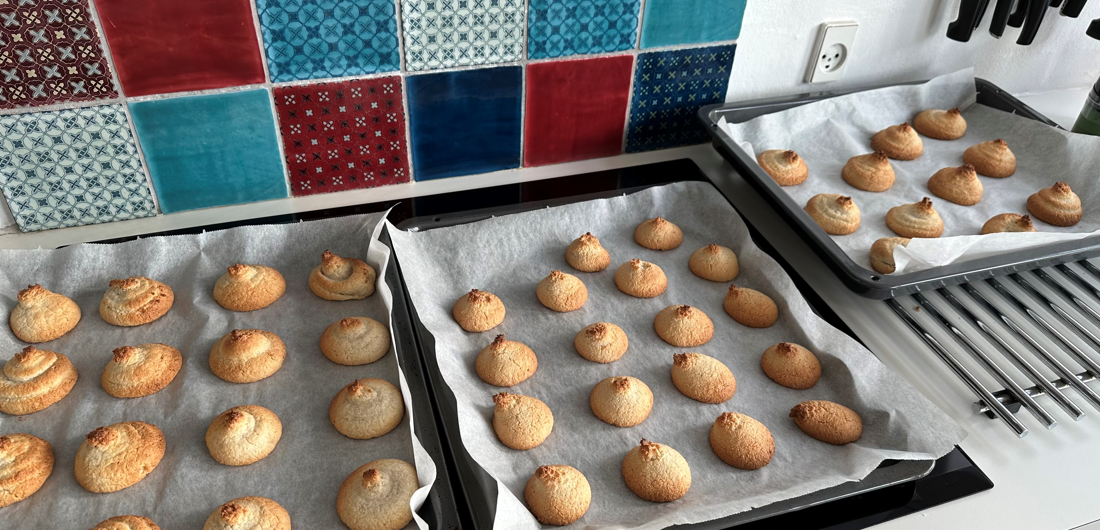
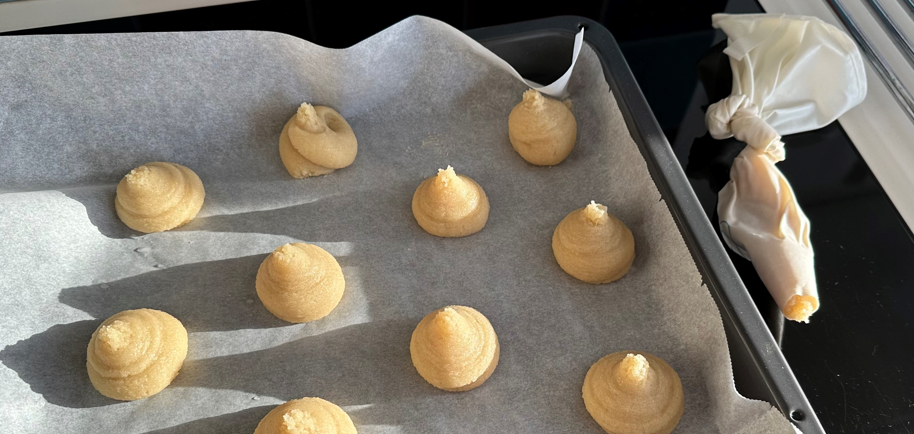
Det hele røres sammen, sprøjtes i toppe og bages 10-12 min alt afhængig af størrelse ved 175 grader. I min ovn skal de have lidt mere… eller også havde jeg lavet dem rigeligt store. Brug eventuelt sprøjteposen uden spids, da det er en god tyk masse.
Når de er afkølet, dyppes bunden i smeltet chokolade.
De har rigtig godt af at blive frosset før de spises, da de ligesom ”sætter” sig, men det er ikke en nødvendighed.
Begge dele købes som en lille pakke med små stykker
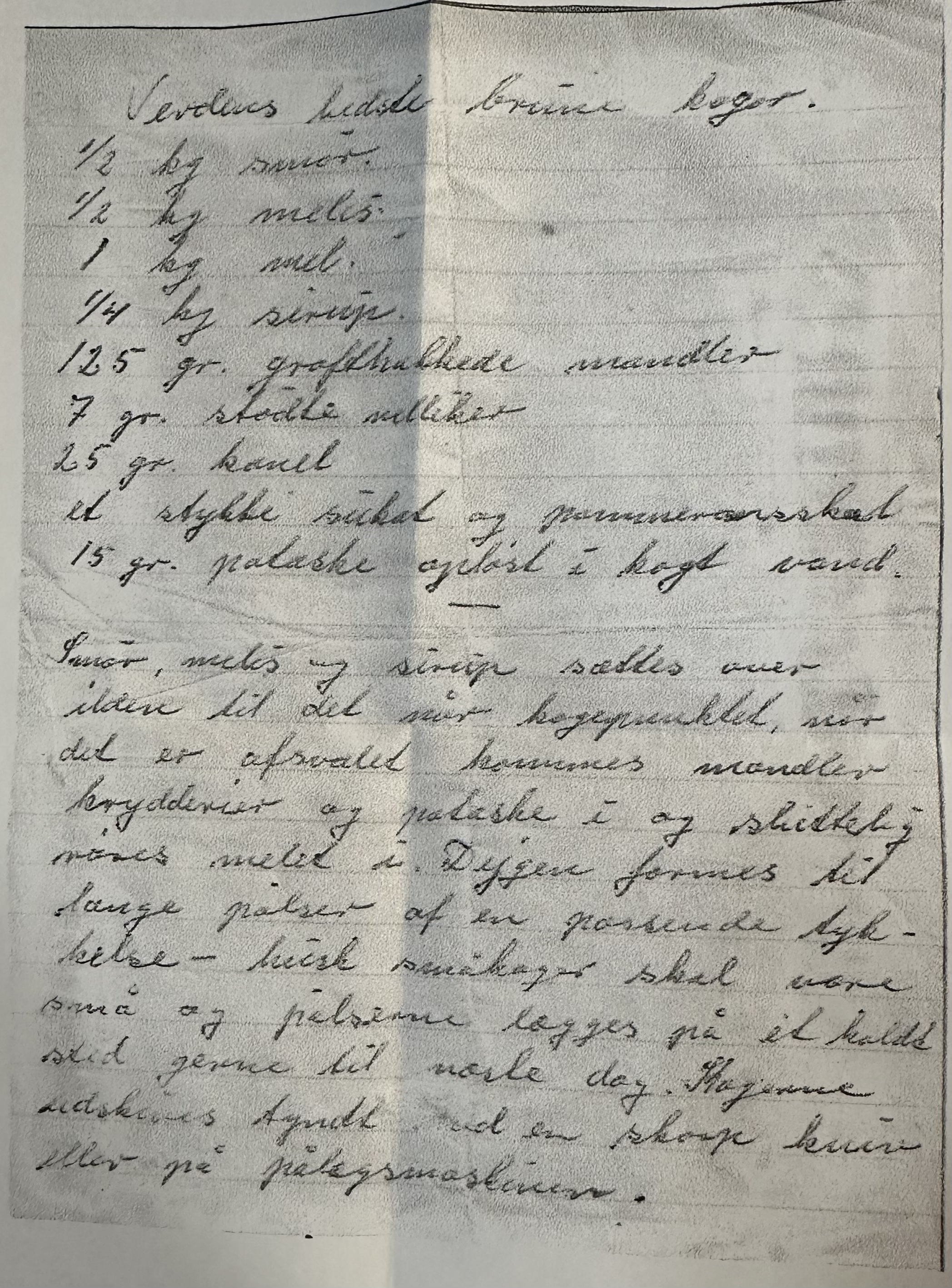
15g potaske opløst i kogt vand
Smør, melis og sirup sættes over ilden til det når kogepunktet. Når det er afsvalet kommes mandler, krydderier og potaske i og skikkelig røres melet i. Dejen formes til lange pølser af en passende tykkelse – husk småkager skal være små og pølserne lægges på et koldt sted gerne til næste dag. Kagerne udskæres tyndt med en skarp kniv eller på pålægsmaskine.